

- Do you want to learn more about the studio? Or which tools are available? Discover the studio set-up including technical details and tutorials below.
- De Grid Studio is free to use, but members only. Read about our membership conditions and sign up.
- We'll be in touch soon. Because the studio is free to use, we receive a lot of requests. Thank you for your patience.
- Make a reservation on Bookings. Choose an available date.
- You can only book the studio for 1 day at a time. If you want to make a reservation for multiple days, you will need to make separate bookings.
- Bookings can be made minimum two days and maximum 2 months in advance.
- Select starting time “11:00 AM or 3:00 PM”.
- You can use the studio on weekdays from 11:00 AM till 2:30 PM & from 3:00 PM till 6:30 PM. On Saturdays from 11:00 AM till 2:30 PM & from 2:30 PM till 6:00 PM. We're closed on Sundays.
- You can use the studio on weekdays from 11:00 AM till 2:30 PM & from 3:00 PM till 6:30 PM. On Saturdays from 11:00 AM till 2:30 PM & from 2:30 PM till 6:00 PM. We're closed on Sundays.
- Add your details and click ‘Book’. Your studio time is now reserved! Check if you received a confirmation email with further instructions.
- Ready - Set -Studio!
- The access badge to studio is available in a secured keysafebox outside the Studio. The day before your booking you will receive your personal access code for the keysafebox.
- De Grid Studio is situated on the 5th floor right before the entrance of De Grid. You can take a peek at the window right in between the architecture books.
- A friendly reminder that you can only use the studio equipment in Muntpunt. You can not loan it or take it away.
- Contact Support? If you run into any problems, you can contact degrid@muntpunt.be to help you with your booking. Only reservations made through the bookings system are accepted.
- Cancel your booking? Please cancel your bookings online if you no longer need the studio time you requested.
De Grid Studio is a space where young talent can freely experiment and learn from one another, with professional tools for both emerging and more experienced creatives. It’s a multimedia DIY studio that adapts to your project. Looking for a creative hub? A recording studio? A video lab? A photoshoot spot? You shape the studio into what you need. The tools are ready. The community is there to help you out.
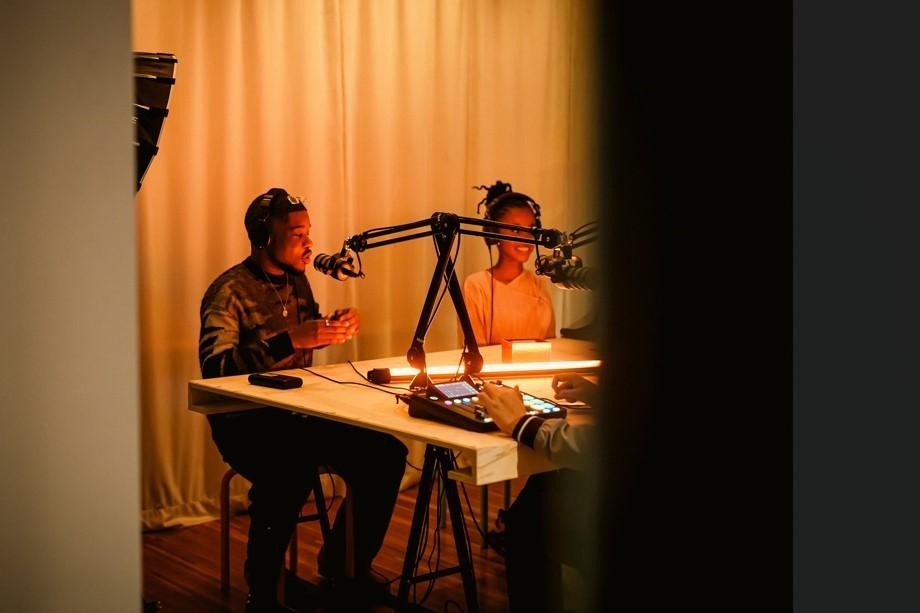
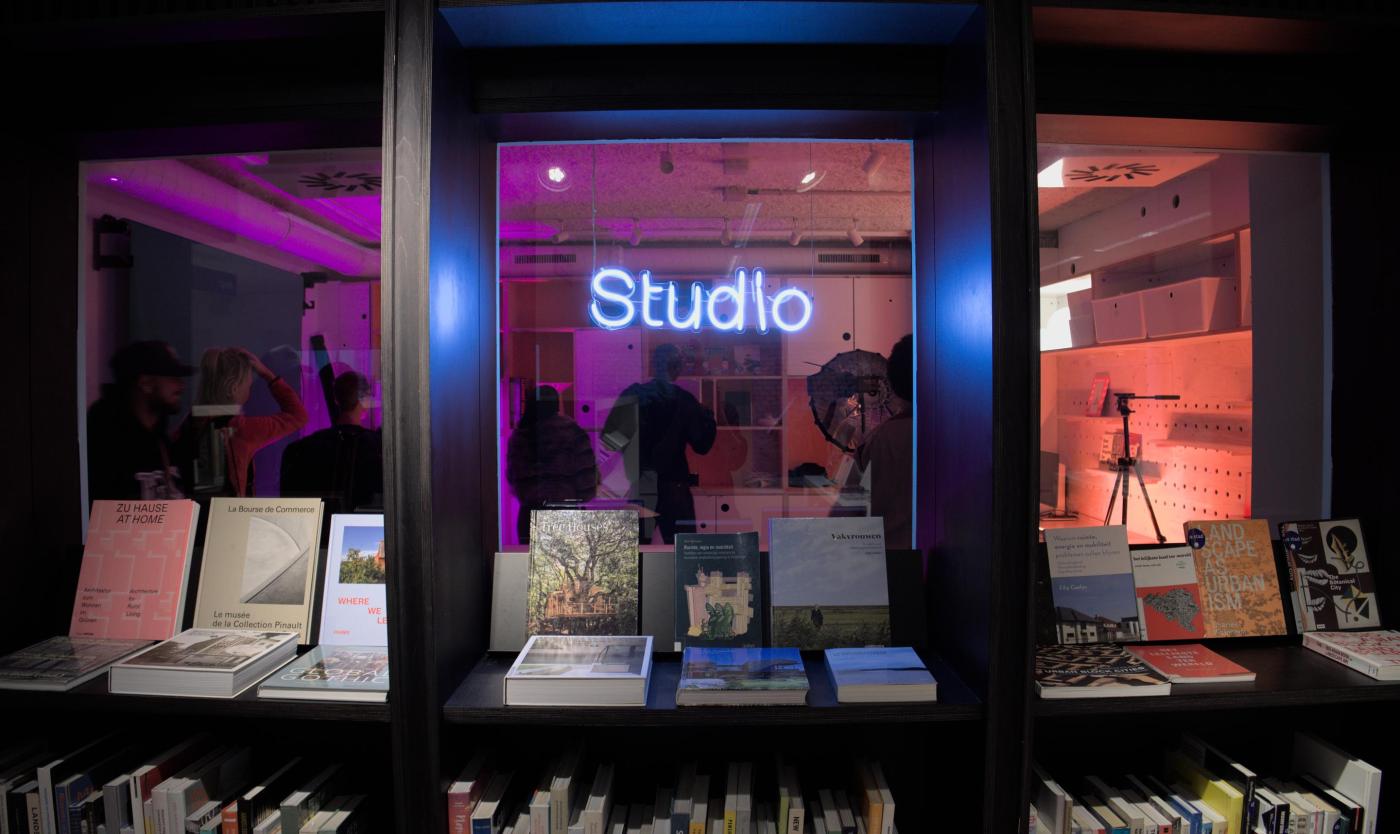
De Grid Studio is een plek waar jong talent vrij kan experimenteren en leren van elkaar, met professionele tools voor zowel beginnende als meer ervaren creatives. Het is een multimediale DIY-studio die zich aanpast aan jouw project. Zoek je een creatieve broedplaats? Een opnamestudio? Een videolab? Een fotoshoot spot? Jij maakt de studio tot wat je zelf wil. De tools liggen klaar. De community helpt je verder.
Audio

Quick start with Rodecaster Pro II
- 1x Rode Rodecaster Pro II
- 1x RodeCover 2
- 4x Rode NTH-100 Headphones (Bag, cable, 3.5mm Jack Headphone Adapter)
- 4x PodMic's
- 4x Rode PSA-1 Studio Arms
- 4x Rode XLR-3M Black Cables
- 1x Rode AC Adapter + Power Cable
- 2x Rode USB-C to USB-C Cable
- 1x SanDisk Ultra - MicroSDXC - 512GB
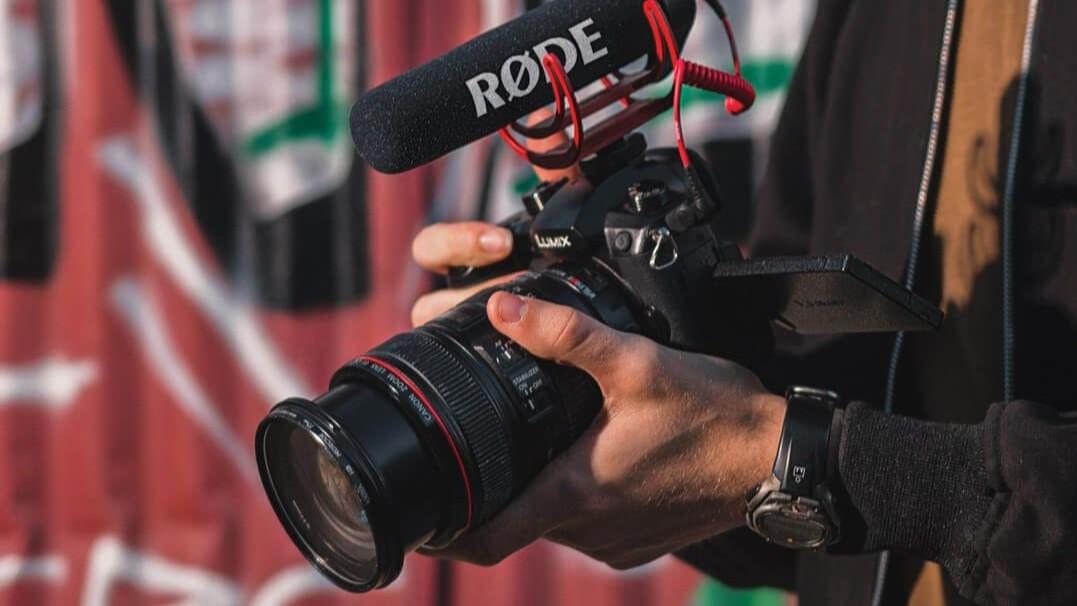
Quick start with Rode VideoMic
- High-quality directional on-camera microphone
- Supercardioid polar pattern
- Two-stage gain control, high-pass filter (80Hz)
- Integrated Rycote Lyre shock mounting
Photo | Video
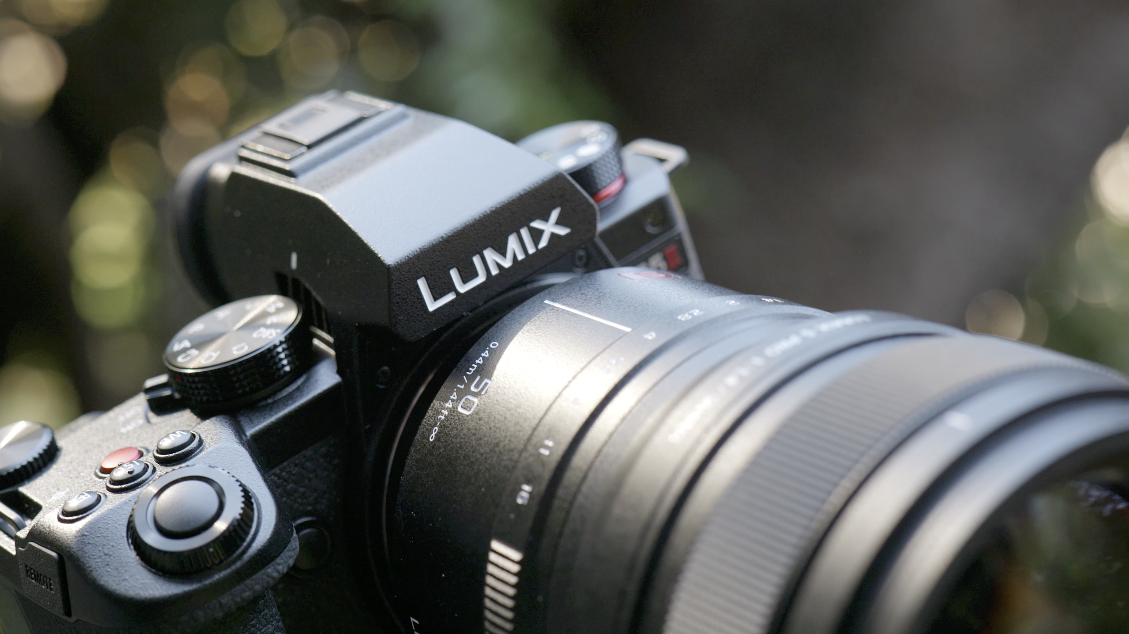
Quick start with Panasonic Lumix DC-S5 IIX
- 1x Panasonic Lumix DC-S5 IIX
- 1x Lumix S 20-60mm F/3.5-5.6
- 1x Lumix S 50mm F/1.8
- Body cap
- Lens caps
- Hot shoe cover
- AC Adapter + USB Cabel (A-C)
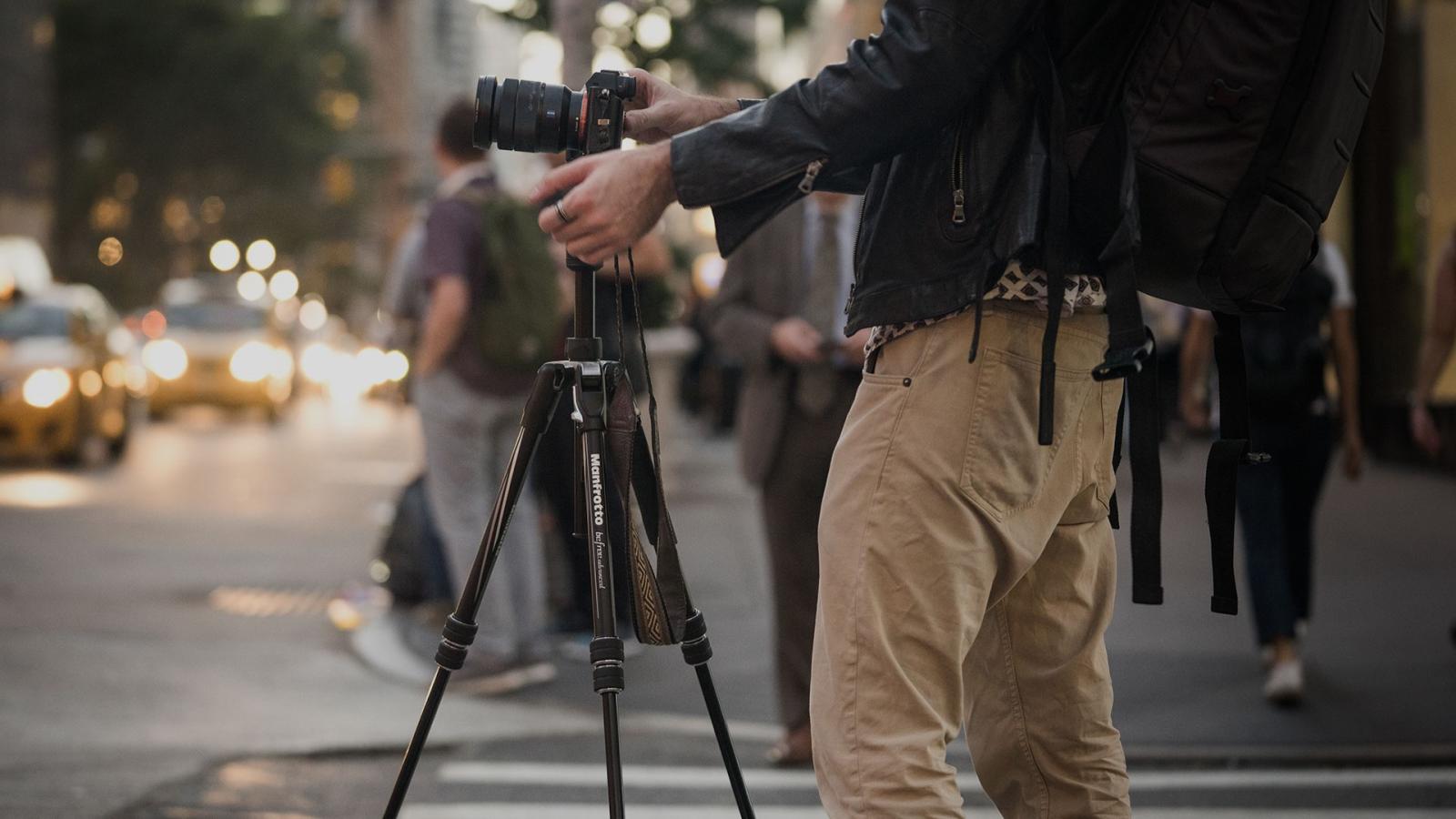
- 2x 290 light aluminium tripod with befree live fluid video head
- Flexible shooting with 2 leg angles
- Durable aluminium adjustable leg locks
- Firm grip thanks to rubber leg warmers
- Smoother movement with Fluid Drag System
- Highest safety standards ensured by UNI/PdR 105:2021 compliance
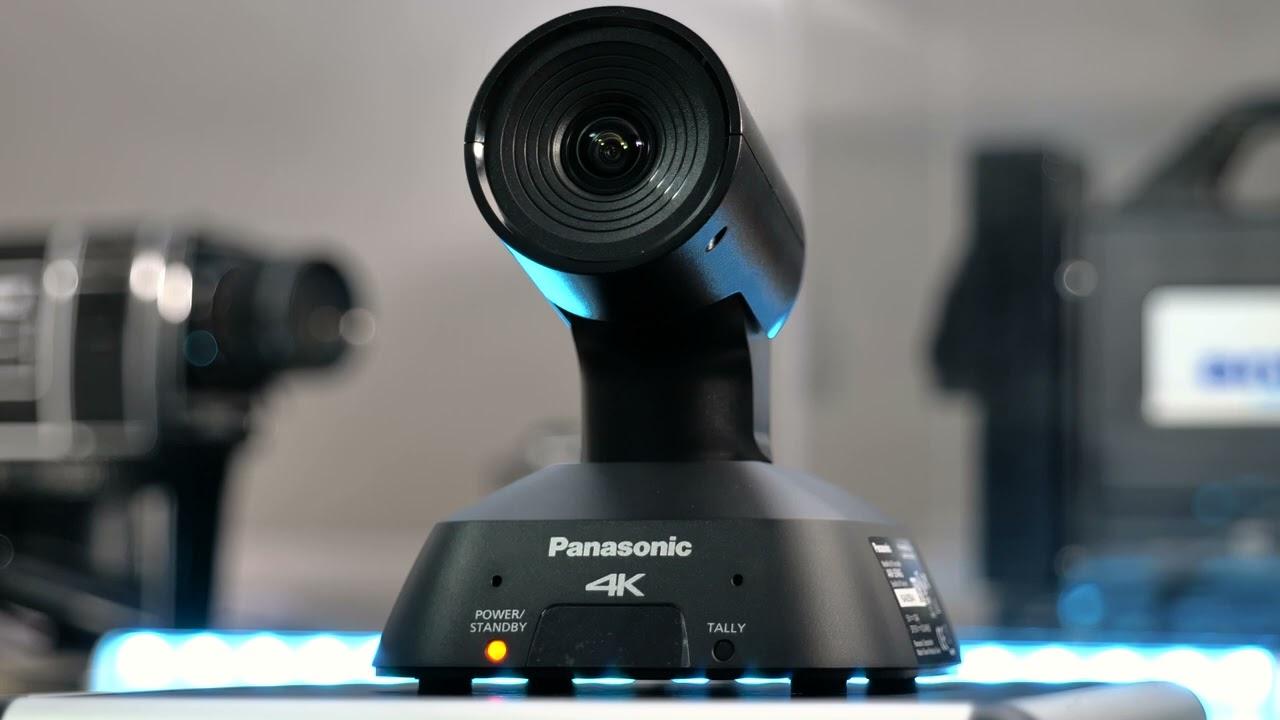
Quick start with Panasonic AW-UE4 Compact 4K Camera
- 4x Panasonic AW-UE4 Compact 4K Camera
- High-Quality 4K 30p/25p Video Output
- Ultra-Wide-Angle Lens with 111°Field of View
- Single Cable Solution
- Operation without connecting an AC adapter via PoE or via USB
- Zoom Certified
Lighting
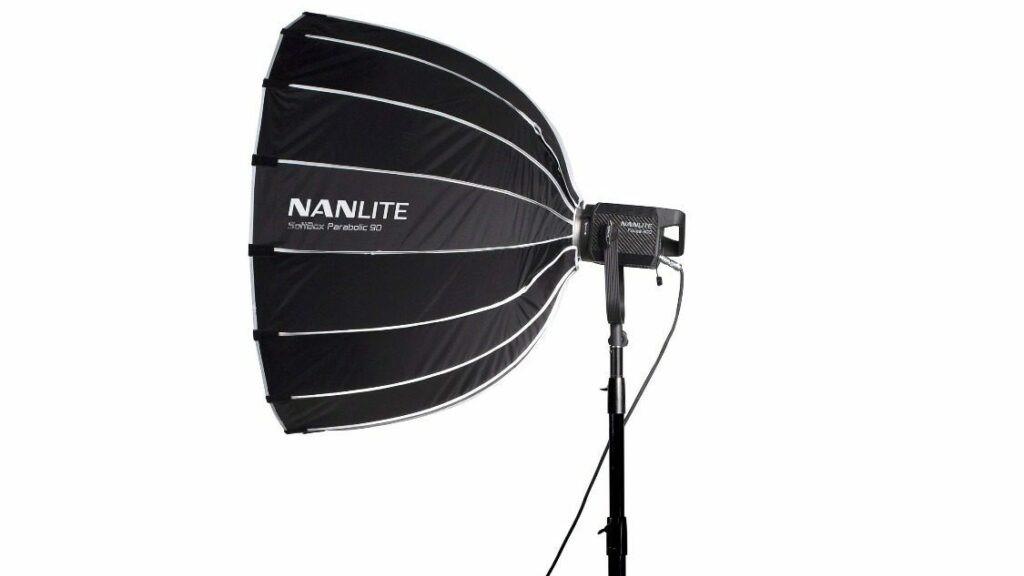
Quick start with Nanlite Forza 60 II LED Light Kit
- 2x Nanlite Forza 60 II lamps
- 2x Nanlite COB Cap for Forza 60 lamps
- 2x Mini Reflector (RF-FMM-45-S)
- 2x Nanlite Softbox 60cm (SB-FMM-60)
- 2x Nanlite LS-186 Light Stand
- 2x Nanlite Bowens Mount Adapter (AS-BA-FMM)
- 2x Battery Grip (BH-FZ60)
- 2x Power Cable 3m
- 2x AC Adapter
- 2x Padded Carrying Bag for Forza 60 II lamps
- 2x Padded Carrying Bag for Softbox
- 1x Flightcase for accessories
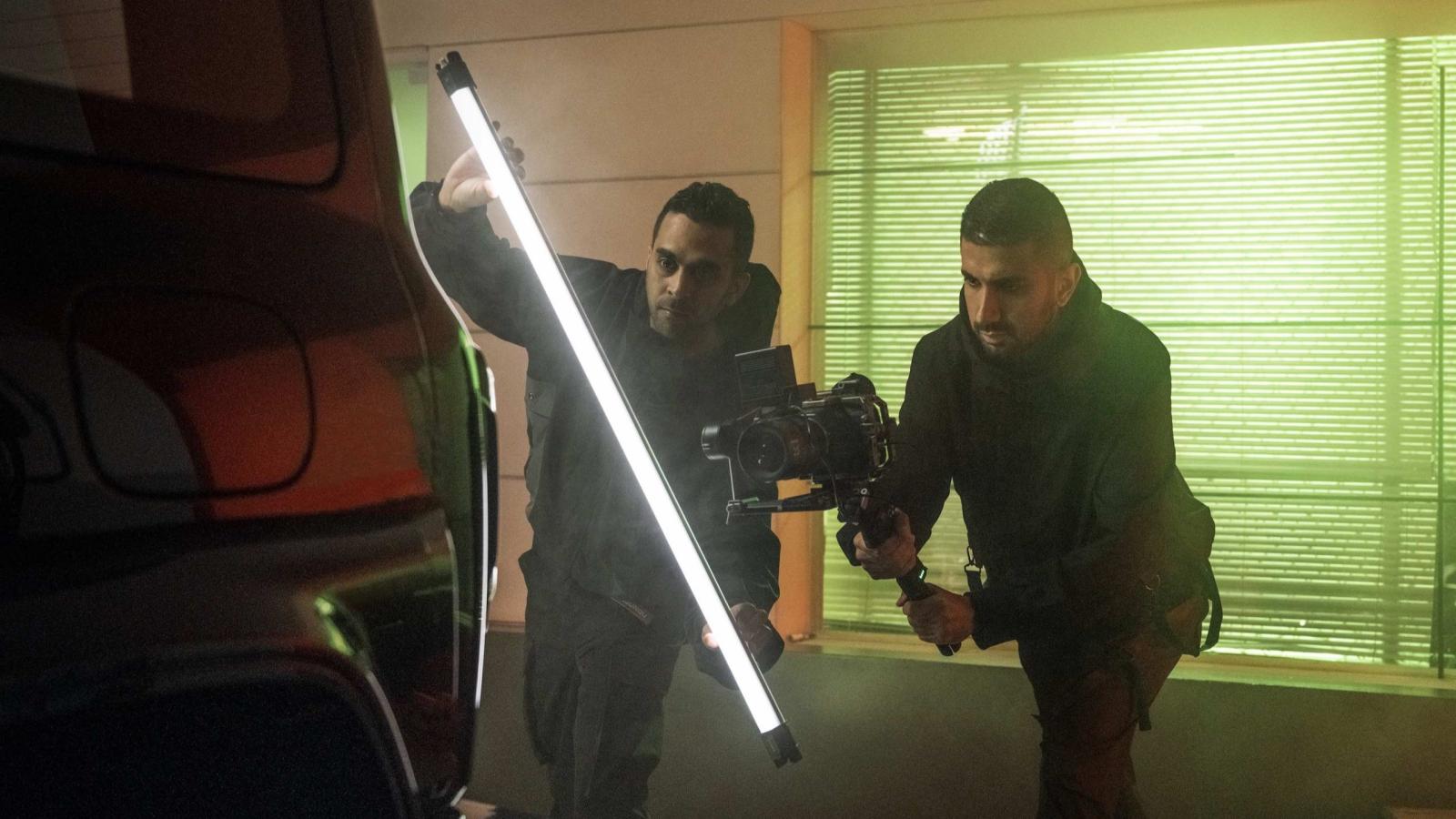
Quick start with Nanlite Pavotube II 30C LED Tube Kit
- 2x Nanlite Pavotube II 30C LED Tube
- 2x Power Cable 3m
- 2x AC Adapter
- 2x HD-T12-1-C Transparent Tube-Mounting Clip
- 4x Steel Safety Wires
- 1x Padded Carrying Bag
Editing
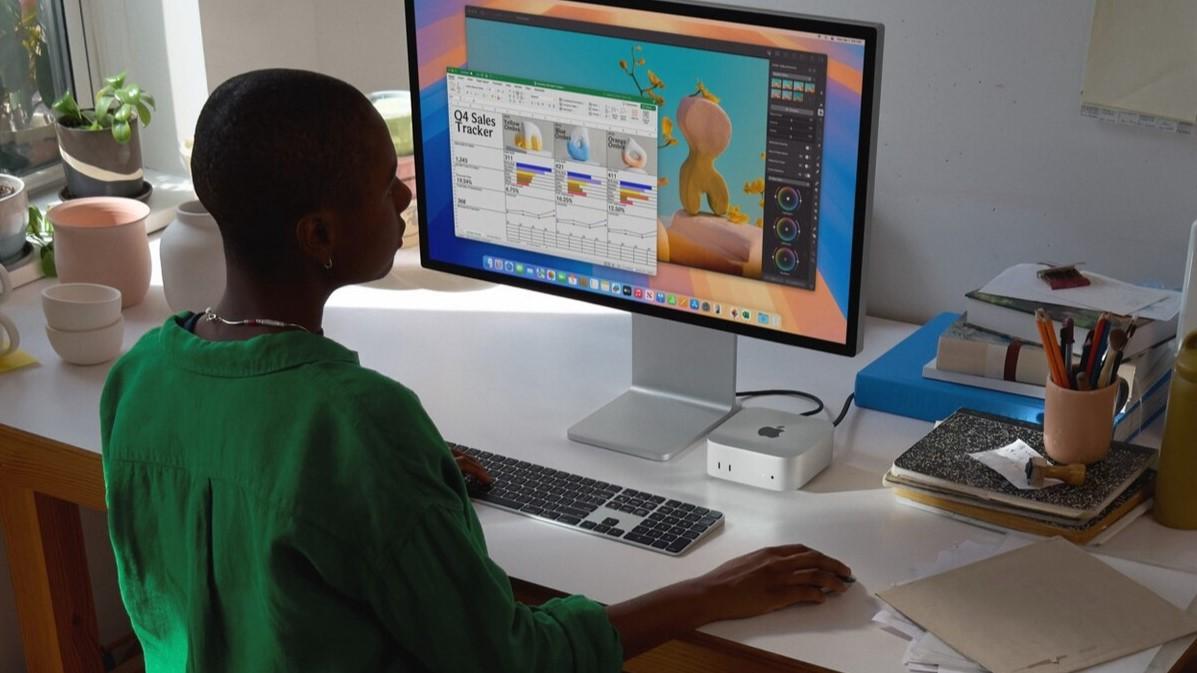
- 27 inch Studio Display
- 10‑core CPU
- 10‑core GPU
- 16 GB unified memory
- 512 GB SSD
- 16‑core Neural Engine
- On front: 2 USB-C ports with support for USB 3 (up to 10Gb/s), 3.5 mm headphone jack
- On back: 3 Thunderbolt 4 (USB-C) ports, Gigabit Ethernet port, HDMI port
Quick start with Adobe Creative Cloud
20+ creative apps. Infinite possibilities.