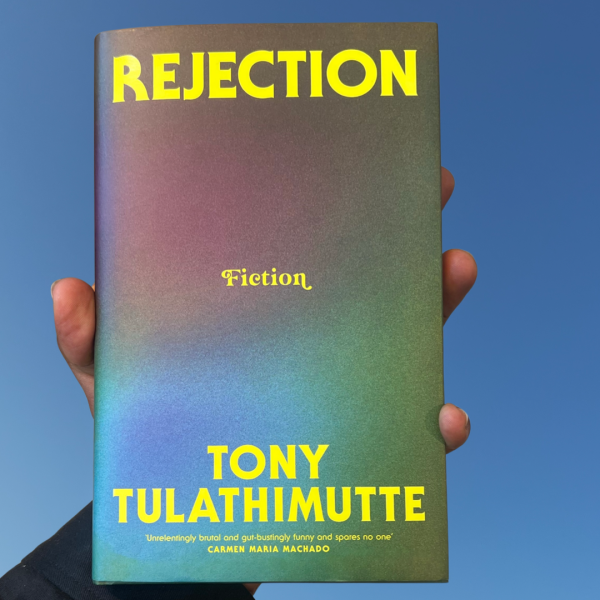
Niet zeker wat je nodig hebt? Of welke tools beschikbaar zijn? Ontdek hieronder onze tools, inclusief technische details en tutorials.
EN - Not sure what you need? Or which tools are available? Discover our tools to go including technical details and tutorials below.
FR - Tu ne sais pas ce dont tu as besoin ? Ou quels outils sont disponibles ? Découvre nos outils ci-dessous, avec les détails techniques et des tutoriels.
Om je garantie te activeren, registreer je voor een Muntpunt-kaart aan de gele balie (niveau +0). Lidmaatschap is gratis.
EN - To activate your warranty, please register for a Muntpunt card at the yellow desk (location +0). Membership is free of charge.
FR - Pour activer ta garantie, inscris-toi pour une carte Muntpunt au comptoir jaune (niveau +0). L’inscription est gratuite.
- Open het boek waaraan je tools gekoppeld zijn om je reservatie te maken.
EN - Open the book your tools link to make your reservation.
FR - Ouvre le lien de réservation de tes outils pour réserver.
- Selecteer de tool en de duur.
Je kan een reservatie maken voor 2 of 4 dagen. Je kan slechts één tool per reservatie kiezen. Wil je meerdere tools reserveren, dan moet je aparte reservaties maken. Tik op ⓘ voor meer info.
EN - Select the tool and the duration.
You can make a booking for 2 or 4 days. You can only select one tool per booking. If you want to book multiple tools, you will need to make separate bookings.
Tap ⓘ for more info.
FR - Sélectionne l’outil et la durée.
Tu peux réserver pour 2 ou 4 jours. Tu ne peux sélectionner qu’un seul outil par réservation. Si tu veux réserver plusieurs outils, fais des réservations séparées.
Appuie sur ⓘ pour plus d’infos.
- Kies een beschikbare datum. Reservaties kunnen minimaal 2 dagen en maximaal 2 maanden op voorhand gemaakt worden.
EN - Choose an available date. Bookings can be made minimum 2 days and maximum 2 months in advance.
FR - Choisis une date disponible. Les réservations peuvent être faites au minimum 2 jours et au maximum 2 mois à l’avance.
- Vul je gegevens in en klik op ‘Reserveer’. Je toolkit is nu gereserveerd! Controleer of je een bevestigingsmail met verdere instructies hebt ontvangen.
EN - Add your details and click ‘Book’. Your toolkit is now reserved! Check if you received a confirmation email with further instructions.
FR - Ajoute tes coordonnées et clique sur « Réserver ». Ton toolkit est maintenant réservé ! Vérifie que tu as bien reçu un e-mail de confirmation avec les instructions.
- Haal je tools op bij de De Grid Toolkit Pick-Up Lockers.
De dag vóór je reservatie ontvang je je persoonlijke toegangscode voor de locker. Let op: de tools zijn pas beschikbaar vanaf 12:00 uur op de eerste dag van je reservatie. De lockers bevinden zich op de 5e verdieping, naast de betonnen trap achteraan het gebouw. Ze zijn enkel toegankelijk tijdens de openingsuren van Muntpunt.
EN - Pick up your tools at De Grid Toolkit Pick-Up Lockers.
The day before your booking you will receive your personal access code for the locker. Beware that the tools are only available as of 12:00 noon on the first day of your reservation. The lockers are situated on the 5th floor, next to the concrete staircase in the back of the building. They are only available during opening hours of Muntpunt.
FR - Récupère tes outils dans les casiers De Grid Toolkit Pick-Up.
La veille de ta réservation, tu recevras ton code d’accès personnel. Attention : les outils sont disponibles uniquement à partir de 12h le premier jour de ta réservation. Les casiers se trouvent au 5e étage, à côté de l’escalier en béton au fond du bâtiment. Ils sont accessibles uniquement pendant les heures d’ouverture de Muntpunt.
- Contacteer support. Ondervind je problemen? Contacteer degrid@muntpunt.be voor hulp bij je reservatie. Enkel reservaties via het boekingssysteem worden aanvaard.
EN - Contact Support. If you run into any problems, you can contact degrid@muntpunt.be to help you with your booking. Only reservations made through the bookings system are accepted.
FR - Contacter le support. Si tu rencontres un problème, contacte degrid@muntpunt.be. Seules les réservations faites via le système sont acceptées.
- Je reservatie annuleren? Annuleer je reservatie online als je de tools niet meer nodig hebt.
EN - Cancel your booking? Please cancel your bookings online if you no longer need the tools you requested.
FR - Annuler ta réservation ? Merci d’annuler ta réservation en ligne si tu n’as plus besoin des outils.
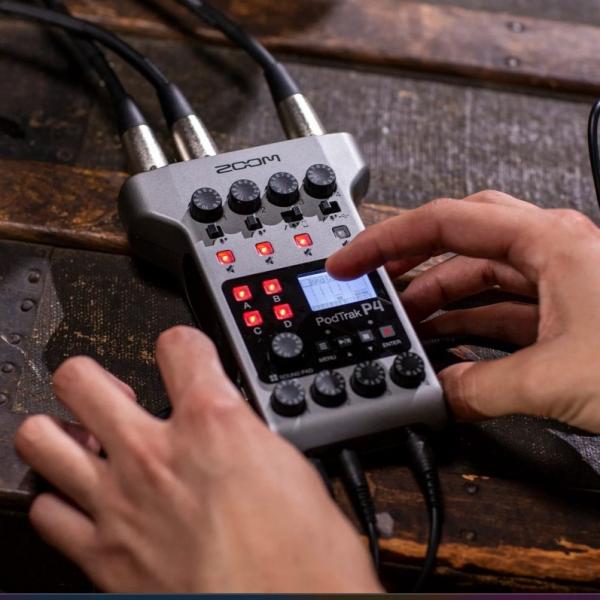
- 4 microphone inputs with phantom power
- 4 headphone outputs with individual volume control
- Multitrack recording for all inputs plus sound pads
- Automatic mix-minus for call-in phone interviews
- 4 programmable sound pads
- USB audio interface mode with mix-minus function for remote interviews
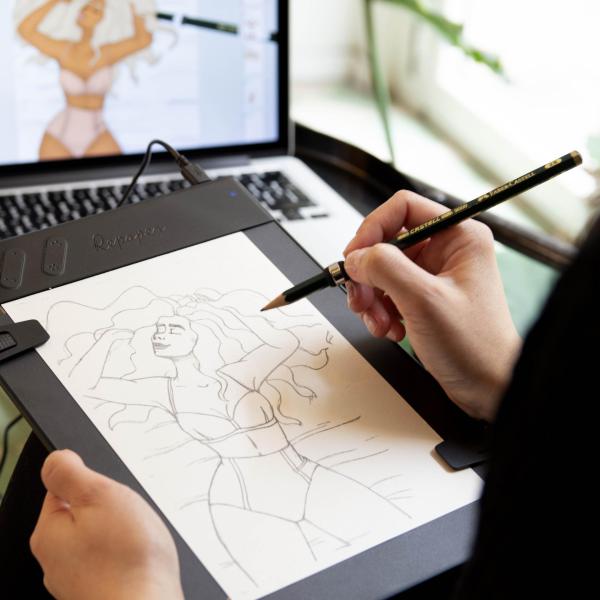
Quick start with the Repaper Drawing Tablet
- Minimum requirements - Desktop: MacOS 10.11, Windows 10 - Tablet: iPad Air (1st generation), iPad mini (4th generation), iPad (4rd generation), iPad Pro (1st generation) - Smartphone: iPhone 6, Android 7.0
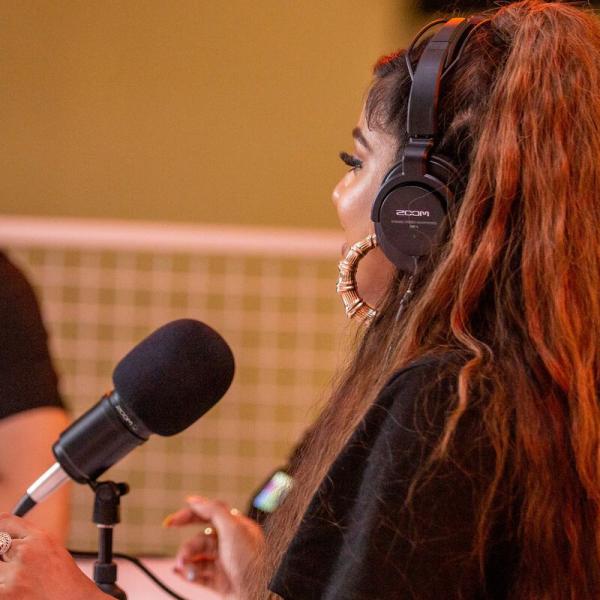
- ZDM-1 ZOOM Dynamic Microphone: broadcast-quality sound, super cardioid pattern to reject unwanted sounds, high SPL capacity up to 135 dB to avoid clipping and distortion
- ZHP -1 ZOOM Dynamic Stereo Headphones: dynamic closed back design to keep unwanted noise out, self-adjusting headband, lightweight for extended use
- TPS-4 ZOOM tripod stand for tabletop
- Mic clip with threaded adaptor
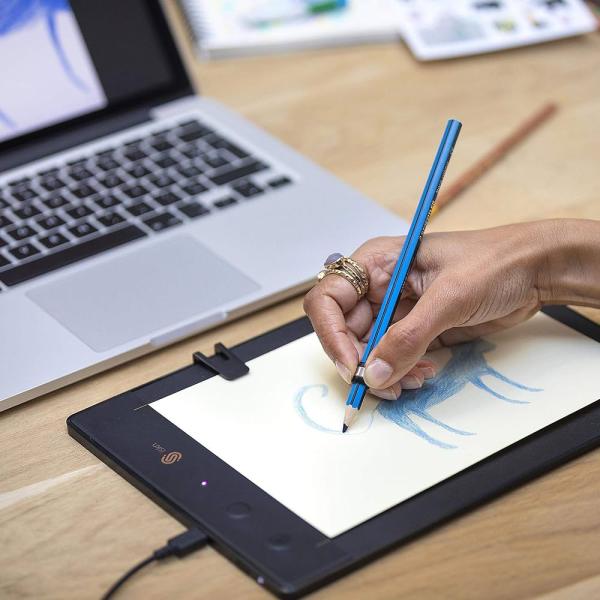
- Minimum requirements - Desktop: MacOSX 10.10 Yosemite, Windows 7 - Tablet: IPad (3rd generation), iPad Mini, iPad Pro - Smarthone: iPhone 6, Android 4.4
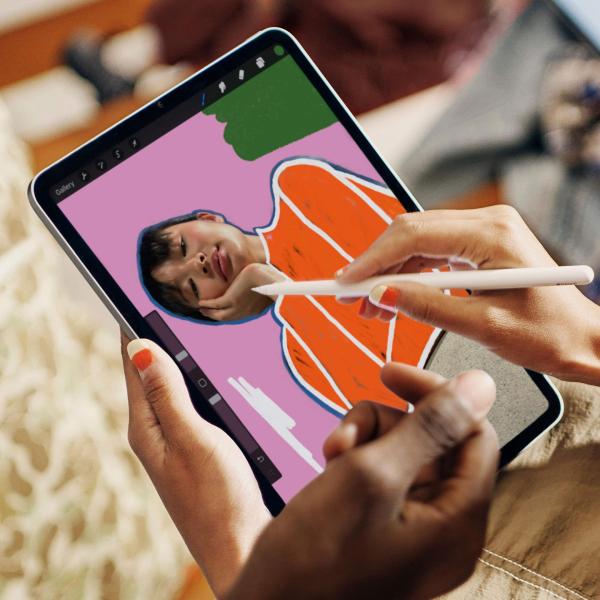
- 6th generation - iPadOS 17.6
- Available apps: all standard iPad apps, Procreate, Green Screen
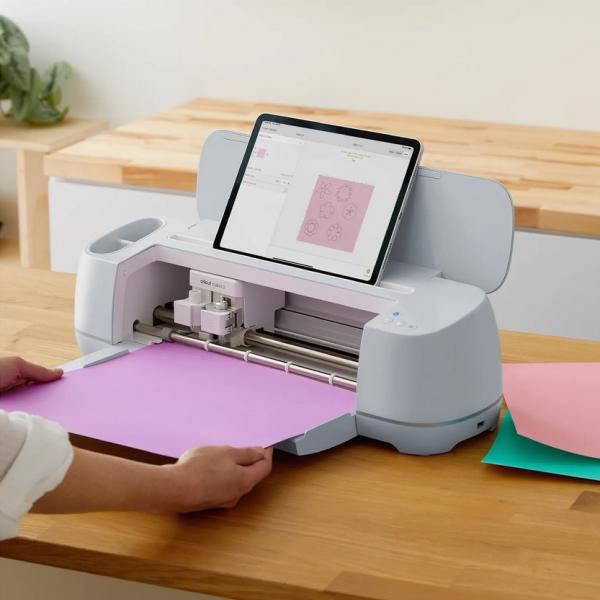
Quick start with the Cricut Maker 3
Minimum requirements - Desktop: MacOS 11 or later, CPU 1.83 GHz, Windows 10 or later, CPU: Intel™ Dual-Core or equivalent AMD processor, RAM: 4GB, 2 GB free disk space, an available USB port or Bluetooth connection, Display: minimum 1024px x 768px screen resolution - Ipad: iOS 15 or later - Tablet: Android 10.0 or higher
Discover more
Medialab
Studio